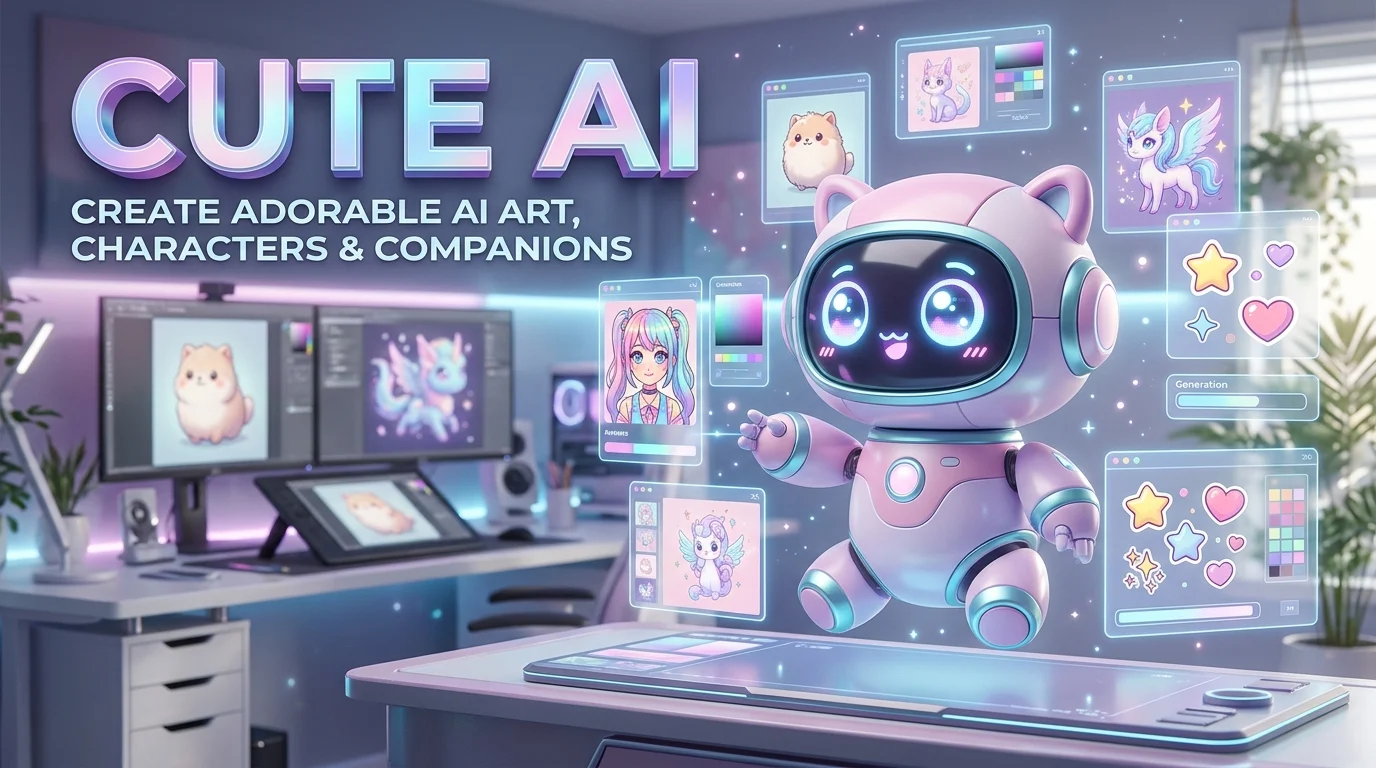
Cute AI refers to artificial intelligence tools that create adorable images, kawaii characters, friendly virtual companions, or playful digital experiences. Depending on your goal, you can use a cute AI image generator to make charming artwork or an AI companion app to chat with a customizable virtual character.
Cute AI is more than a visual trend. It brings together generative AI, character design, anime-inspired artwork, and conversational experiences that feel approachable and expressive.
Whether you want a cute AI avatar for social media, a kawaii wallpaper for your phone, a cartoon pet, or a friendly digital companion, the right tool depends on what you want to create.
This guide explains how cute AI works, which tools are worth exploring, how to write better prompts, and what to consider before sharing your creations online.
Cute AI at a Glance
AI-generated cute art
Create kawaii illustrations, pastel wallpapers, cartoon animals, stickers, and anime-inspired characters.
Virtual AI companions
Chat with fictional characters designed to have friendly personalities, playful dialogue, and customizable appearances.
Simple customization
Use text prompts, reference images, character settings, and artistic styles to shape the result.
Everyday applications
Make profile pictures, social posts, digital gifts, creative projects, and personalized backgrounds.
Important considerations
Check pricing, image rights, content restrictions, and data privacy before committing to a platform.
What Is Cute AI?
Cute AI is a broad term for AI-powered tools and experiences centered on adorable visuals, friendly personalities, or charming digital characters. It does not describe one universal technology, company, or standardized product category.
The phrase commonly refers to three types of experiences.
1. Cute AI image generators
These tools transform written descriptions into illustrations or other visual content. You might describe a fluffy kitten wearing a strawberry hat, a pastel anime character, or a tiny fantasy cottage surrounded by flowers.
An image-generation model interprets your prompt and creates an image based on patterns learned during training. Depending on the tool, you may also be able to edit images, generate variations, or customize the output dimensions.
2. Cute AI characters and avatars
Character generators focus on the appearance of a fictional person, animal, mascot, or fantasy creature.
Users can create avatars with oversized eyes, expressive faces, colorful hairstyles, soft lighting, and distinctive clothing. These designs are useful for social profiles, gaming identities, storytelling, and branding.
3. Cute AI companions
AI companion applications use conversational models to simulate interactions with fictional characters. Some offer customizable personalities, character images, roleplay, or ongoing conversations.
For example, the Google Play listing for Cute AI – Immersive Chat describes virtual companions, character customization, and AI-generated character images.
Apps on Google Play
These applications differ from image generators because their main purpose is interaction rather than producing a single picture.
The key distinction: cute AI art creates visuals, while a cute AI companion provides a conversational experience. Some platforms combine both.
How Does Cute AI Work?
The technology behind cute AI depends on the experience you choose. Image generators and conversational companions often use different AI models, even when their interfaces look similar.
How cute AI art generation works
Many modern image generators use diffusion-based models or related generative techniques. These systems learn visual patterns from training data and use that knowledge to generate new images from text instructions.
A typical workflow looks like this:
1. Describe your idea
“A tiny orange kitten sleeping on a pink cloud.”
2. AI interprets the prompt
The model maps the description to learned visual patterns.
3. The image is generated
The system produces an image based on its model and settings.
4. Refine and export
Adjust details, regenerate variations, and save the result.
The exact workflow varies by platform. Some tools provide editing controls, while others offer only text-to-image generation.
How cute AI companions work
Conversational companions commonly rely on large language models, or LLMs, to generate replies. The application may add character instructions, conversation history, memory settings, and moderation rules to shape the interaction.
For example, a character might be instructed to speak gently, use light humor, enjoy fictional adventures, and maintain a cheerful personality.
However, a friendly personality does not establish that an AI has emotions, consciousness, or genuine affection. Its responses are generated by software.
Cute AI | Complete Guide to Cute AI Art, Generators and Virtual Companions
Editorial approach: This article targets the mixed search intent behind “cute ai,” with practical guidance for people seeking adorable AI-generated images, kawaii characters, creative tools, and virtual companions. Tool descriptions and pricing references are grounded in available platform information, while recommendations are editorial assessments rather than paid rankings.
Understanding the Search Intent
The keyword “cute ai” can refer to several related searches:
- Informational: What is cute AI, and how does it work?
- Creative: How can I generate cute AI pictures, anime characters, and kawaii art?
- Commercial investigation: Which cute AI generator or companion app should I choose?
- Transactional: Where can I create cute AI art or start chatting with a virtual character?
The strongest content strategy is to address these meanings together while clearly distinguishing image-generation tools from conversational companion apps.
Popular Uses of Cute AI
Cute AI tools serve different creative needs. Understanding the intended result helps you select a suitable platform without paying for features you will never use.
Cute AI pictures and kawaii artwork
Kawaii is a Japanese aesthetic associated with cuteness, playful characters, expressive faces, and charming visual details. AI image generators can reproduce elements of this aesthetic through descriptive prompts.
Popular ideas include:
- Cute cats, puppies, rabbits, and other cartoon animals.
- Pastel anime characters with expressive eyes.
- Chibi characters with oversized heads and small bodies.
- Cozy bedrooms, magical gardens, and miniature fantasy worlds.
- Cute food illustrations, including smiling strawberries and cartoon desserts.
- Printable coloring pages and personalized digital stickers.
For example, a creator might generate a collection of adorable animal illustrations for a personal blog. A small business might explore character concepts for packaging or social media graphics.
The final result depends on the model, prompt, settings, and editing process. Complex poses, small details, and precise text may still require corrections.
Cute AI profile pictures
An AI avatar can give a social media account, gaming profile, or online community a consistent visual identity.
For a cohesive result, specify the character’s appearance, background, color palette, and framing. If you plan to use the avatar across several platforms, generate variations while keeping the defining features consistent.
Avoid uploading someone else’s photograph without permission. Also, review the tool’s rules before using generated portraits for commercial branding.
Cute AI wallpapers and stickers
Cute AI art works well for phone wallpapers, desktop backgrounds, messaging stickers, and digital planners.
Choose a portrait aspect ratio for mobile wallpapers and a wider format for desktop backgrounds. For stickers, request a simple silhouette, clean outlines, and a plain or transparent background if the tool supports it.
Always check the export settings. A preview may look sharp on screen but lack the resolution required for large prints.
Cute AI virtual friends
Some applications let users interact with fictional characters through text-based conversations and roleplay. Others combine conversations with generated character images.
These experiences may be useful for entertainment, creative writing, or practicing fictional dialogue. However, they should not be confused with human relationships or professional mental health support.
Best Cute AI Tools to Explore
There is no single platform that is best for every interpretation of cute AI. The right choice depends on whether you want artistic control, easy access, customizable characters, or a technical environment.
The following comparison separates general-purpose tools from more specialized options.

1. ChatGPT
Best for conversational image creation
Use natural-language instructions to describe cute characters, refine details, and explore alternative concepts. Image capabilities and usage limits depend on current product access and account settings.
Pricing: Check current plan limits.
Explore: ChatGPT

2. Midjourney
Best for stylized artistic exploration
Useful for exploring polished illustrations, imaginative characters, and distinctive visual styles. Its official documentation lists subscription plans and explains usage limits, including GPU time and privacy-related features.
Midjourney
Pricing: Paid subscriptions; verify current terms.
Explore: Midjourney

3. KawaiiDraw
Best for kawaii coloring pages
Its website describes color illustration and black-and-white coloring-page modes, with personalized text added through a browser-based canvas system. Its stated free access and privacy practices are provider claims, so review the current policy before uploading sensitive material.
KawaiiDraw
Pricing: Advertised as free on its website.
Explore: KawaiiDraw

4. Hugging Face Hub and Spaces
Best for experimentation and technical exploration
Browse image-generation models and interactive demos. Available projects differ in model, hosting, reliability, licensing, and access requirements. Hugging Face provides a broad directory of image-generation Spaces.
Hugging Face
Pricing: Varies by model, hosting, and service.
Explore: Image-generation Spaces

5. Cute AI – Immersive Chat
Best for fictional character conversations
The Google Play listing describes virtual companions, interactive adventures, custom characters, and generated images. It also lists ads and in-app purchases. Check the current age rating, permissions, and privacy policy before installing.
Apps on Google Play
Pricing: Ads and in-app purchases are listed.
Explore: Google Play listing
Which tool should you choose?
| Your goal | Starting point | Main consideration |
|---|---|---|
| Generate cute pictures from text | ChatGPT | Image access and generation limits |
| Explore highly stylized artwork | Midjourney | Subscription cost and usage rules |
| Make kawaii coloring pages | KawaiiDraw | Export quality and commercial rights |
| Experiment with different models | Hugging Face Spaces | Variable quality and hosting |
| Chat with fictional characters | Cute AI – Immersive Chat | Privacy, age restrictions, and purchases |
This is a use-case comparison, not a controlled benchmark. Results can vary with prompts, model versions, and product updates.
How to Create Better Cute AI Images
The difference between a vague prompt and a useful prompt is specificity. Instead of asking for something merely “cute,” describe the subject, style, colors, composition, and mood.
Use a simple prompt formula
A practical formula is:
Subject + visual style + color palette + setting + lighting + composition + intended use
For example, “cute puppy” gives the model limited direction. A more detailed prompt establishes the intended appearance and setting.
Copy-and-use cute AI prompts
Cute animal illustration
For stickers, avatars, and social posts
“An adorable fluffy orange kitten wearing a tiny strawberry hat, oversized sparkling eyes, soft pastel pink background, clean rounded shapes, gentle studio lighting, charming kawaii illustration, centered composition, high detail.”
Cute anime avatar
For gaming profiles and fictional characters
“A cheerful original chibi character with large expressive eyes, short lavender hair, a cozy oversized sweater, warm smile, pastel blue and lilac palette, simple gradient background, polished anime-inspired illustration, shoulders-up portrait.”
Cozy fantasy wallpaper
For phone backgrounds and digital art
“A tiny whimsical cottage floating among fluffy clouds, little glowing stars, friendly miniature creatures, dreamy pastel peach and lavender sky, soft volumetric lighting, detailed storybook illustration, vertical wallpaper composition, uncluttered central area.”
Printable coloring page
For crafts and activity sheets
“A cute smiling bunny holding a flower, simple kawaii cartoon design, bold clean black outlines, white background, large enclosed shapes, minimal small details, no gray shading, no color fills, printable coloring page in portrait format.”
Refine the image in stages
Do not rewrite the entire prompt every time the result needs improvement. Make one change at a time.
- Fix the subject: Specify the animal, character, clothing, or object more precisely.
- Control the style: Request watercolor, soft 3D, flat vector art, pixel art, or anime-inspired illustration.
- Improve composition: State whether you need a portrait, square image, close-up, or full-body scene.
- Correct unwanted details: Request simpler backgrounds, cleaner outlines, or more natural proportions.
- Check the final export: Review resolution, transparency, file format, and crop before publishing.
A useful technique is to separate positive instructions from exclusions. For example, you might request a clean sticker with a plain background and specify that you do not want extra characters or decorative text.
Some tools support negative prompts directly. Others require you to express exclusions in ordinary language.
Benefits of Cute AI
Cute AI can make creative work more accessible, especially for people without formal illustration skills.
Faster creative exploration
A text prompt can produce a starting concept without requiring you to draw every element manually. You can test several character ideas before choosing one for further refinement.
Personalized designs
You can experiment with different colors, accessories, expressions, themes, and settings. This is particularly useful when creating fictional mascots, personalized gifts, or themed artwork.
Lower barriers to entry
Many web-based generators provide a graphical interface rather than requiring programming skills. Some offer free access, although limits and paid features vary.
Support for small creative projects
Cute AI can help bloggers, educators, hobbyists, and small businesses explore visual ideas. However, AI-generated artwork may still need editing, accessibility checks, and licensing review before commercial use.
Limitations and Risks to Understand
Cute AI tools can be useful, but an appealing interface does not guarantee quality, privacy, or legal clarity.
Image quality is inconsistent
AI models can generate incorrect anatomy, inconsistent facial features, distorted hands, or objects that do not match the prompt. Small text and repeated characters may also be unreliable.
Review every output rather than assuming the generator has followed all instructions.
Copyright and commercial rights need attention
The ability to download an image does not automatically establish unrestricted commercial rights. Review the provider’s terms, the model license when applicable, and the laws relevant to your location.
Avoid prompts that request deceptive copies of protected characters or imitate a living artist’s distinctive work without considering the applicable rules.
Privacy policies vary by platform
Some services process prompts or uploaded images through external providers. Others may retain generated content or collect account and usage information.
Read the privacy policy and data controls before uploading personal photographs, private documents, or commercially sensitive material. Do not assume that a free tool offers the same privacy protections as a paid or enterprise service.
Virtual companions have separate concerns
A conversational AI may produce inaccurate information or encourage users to share personal details. Its apparent warmth should not be treated as proof of human understanding or emotional awareness.
For younger users, check age ratings, parental controls, content restrictions, and the possibility of in-app purchases.
Cute AI Pricing: Is It Free?
There is no standard price for cute AI because the term covers many unrelated services. Some generators offer limited free access, while others charge subscriptions, usage credits, or hosting fees.
For example, Midjourney publishes subscription tiers and explains how GPU time, extra usage, and privacy features vary by plan. Its official pricing documentation should be checked before purchasing because plan details can change.
Before paying for a cute AI tool, check these details:
| Pricing factor | What to verify |
|---|---|
| Free access | Is it genuinely free, or does it require a trial? |
| Generation limits | How many images or messages can you create? |
| Credits | Do unused credits expire? |
| Subscription | Does the plan renew automatically? |
| Export quality | Are high-resolution downloads included? |
| Commercial rights | Can you use the output in products or advertisements? |
| Privacy features | Are private generations or additional controls paid features? |
| Cancellation | Can you cancel easily, and what happens to existing work? |
Practical advice: Test the free option first, if available. Evaluate the actual output quality and total cost before committing to a subscription.
Privacy and Security: What Users Should Check
Cute AI websites and companion apps can process different types of information. Image generators may receive prompts and photographs, while companion applications may process conversation histories and account details.
For that reason, privacy should be evaluated at the individual product level rather than inferred from the category.
Before using a service, review:
- Data collection: What prompts, images, messages, and account details does it collect?
- Data retention: How long does it retain inputs and generated content?
- Model training: Can your content be used to improve AI models?
- Third-party processing: Are prompts sent to external model providers?
- Deletion controls: Can you delete conversations, uploads, and account information?
- Sharing settings: Are creations public by default, or can they remain private?
For example, OpenAI documents privacy controls for consumer ChatGPT accounts, including settings related to model improvement and temporary chats. Available controls depend on the product and account configuration.
A separate concept worth understanding is Zero Data Retention (ZDR). ZDR is a specific data-handling arrangement, not a synonym for encryption, a paid subscription, or a security certification. Never assume a service offers ZDR without checking its applicable documentation and eligibility requirements.
For business use, review the actual contractual terms and technical controls. A provider’s general security statements do not automatically establish how every feature handles uploaded content.
Common Mistakes When Using Cute AI
A few avoidable mistakes can make your results less useful.
Using prompts that are too vague
A prompt such as “make something cute” leaves the style, subject, and composition open to interpretation.
Specify the visual style, color palette, background, subject, and intended format to improve consistency.
Ignoring image dimensions
A square avatar and a vertical wallpaper have different composition requirements. Select the correct aspect ratio before generating, or you may need to crop important details afterward.
Assuming every output is original enough for commercial use
AI-generated images can resemble existing works. Review licensing terms and check for recognizable protected characters, logos, and other potentially problematic elements before publishing commercially.
Choosing a tool based only on its appearance
A charming interface does not tell you whether a tool has useful export options, transparent pricing, reliable generation, or appropriate privacy controls.
Test the workflow rather than judging the product by its promotional images.
Confusing AI companionship with human relationships
Virtual characters can provide entertainment and creative interaction. However, they do not replace the judgment, accountability, and reciprocal understanding of real people.
Keep personal boundaries and avoid sharing sensitive information unnecessarily.
FAQs
What is cute AI used for?
Cute AI is used to create adorable illustrations, kawaii characters, anime-inspired avatars, stickers, wallpapers, and fictional virtual companions. The exact features depend on whether you choose an image generator or a conversational AI application.
Can I generate cute AI pictures for free?
Yes, some platforms advertise free image generation or limited free access. Availability, daily limits, export options, and paid features vary, so check the current terms before using a tool for a large project.
Which cute AI generator is best for beginners?
ChatGPT is a practical starting point for people who prefer describing images in natural language. KawaiiDraw is worth exploring for kawaii coloring pages, while Hugging Face Spaces lets users experiment with different image-generation demos. The best choice depends on your preferred style, budget, and required features.
Can I use cute AI images commercially?
Possibly, but permission depends on the platform’s terms, the applicable model license, the content of the image, and relevant laws. Review commercial-use conditions before selling prints, publishing merchandise, or using generated artwork in advertising.
Are cute AI companion apps safe to use?
Safety depends on the specific application, its privacy practices, age restrictions, content moderation, and payment controls. Review its permissions and privacy policy, avoid sharing sensitive information, and remember that an AI companion is a fictional software experience rather than a human relationship.
Conclusion:
Cute AI brings together AI-generated artwork, kawaii character design, and virtual companion experiences. It gives beginners and experienced creators new ways to explore adorable visual concepts and interactive characters.
The most important step is to define your goal before choosing a platform. Use an image generator for artwork, a character tool for avatars, or a companion app for fictional conversations.
Compare output quality, pricing, licensing, privacy, and practical limitations before investing time or money. With a clear purpose and thoughtful prompts, cute AI can become a useful addition to your creative workflow.